
On this page
Everything you can do on the website, your code can do too. The Thpaste API is a small, predictable JSON API: make pastes from a CI job, post a daily report from a bot, back up your pastes, or build your own dashboard from your view stats. It's free with every account. This guide takes you from zero to your first paste in about ten minutes.
Step 1 — get a key
- 1Create a free account
Or sign in at thpaste.com/login.
- 2Open API keys
Dashboard sidebar → Account → API keys → Create key.
- 3Copy it straight away
The key starts with tp_ and is shown once. Store it in your password manager or your server's secrets.

Keep keys on servers
A key acts as your account. Never put one in a web page, a mobile app or a public repository. If a key leaks, revoke it from the same page — it stops working instantly.
Step 2 — check it works
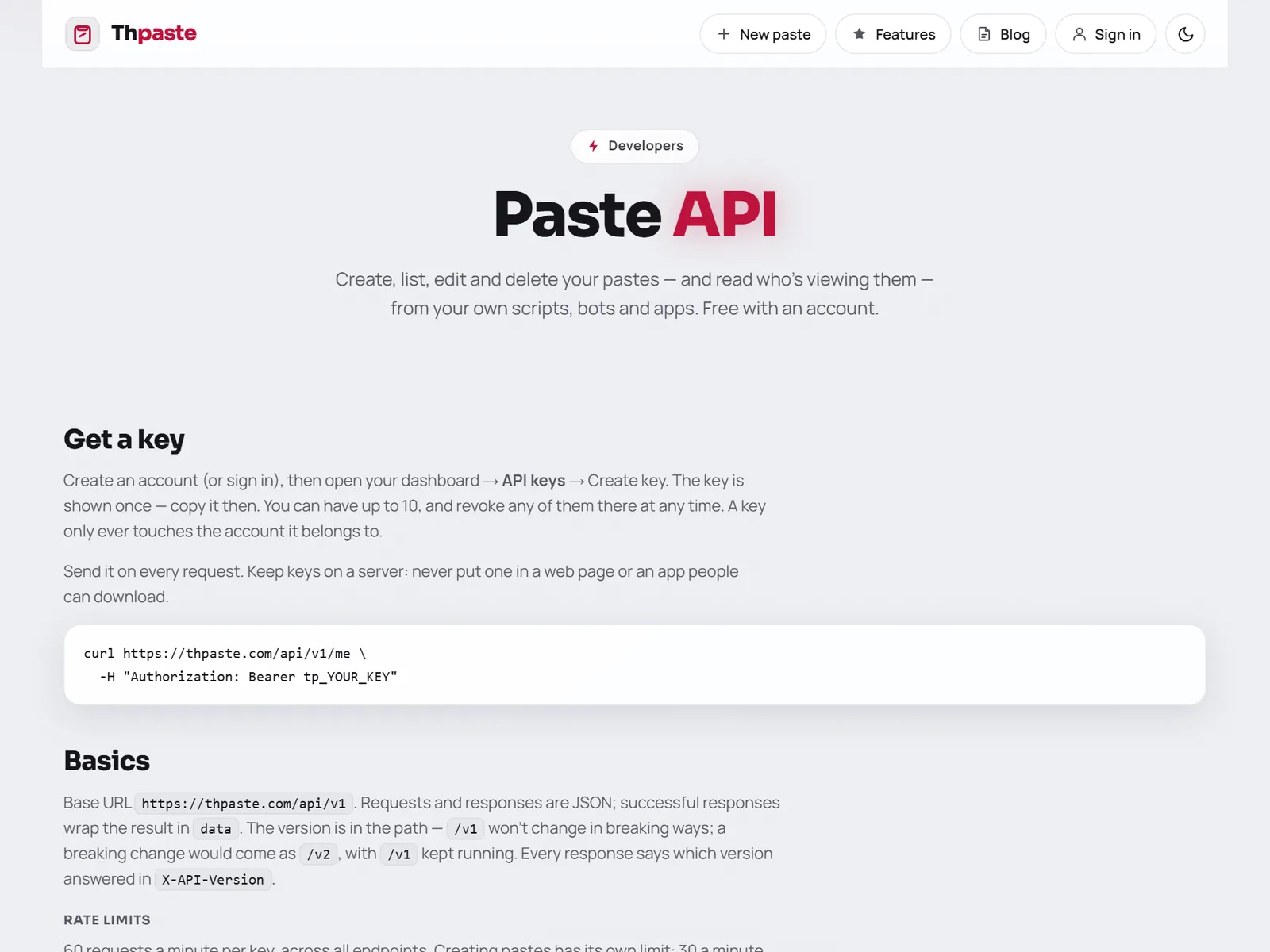
Send the key as a Bearer token on every request:
curl https://thpaste.com/api/v1/me \
  -H "Authorization: Bearer tp_YOUR_KEY"
You'll get your account back — id, email, username, profile link and paste count — wrapped in data.
Step 3 — create your first paste
curl -X POST https://thpaste.com/api/v1/pastes \
  -H "Authorization: Bearer tp_YOUR_KEY" \
  -H "Content-Type: application/json" \
  -d '{"title": "Setup notes", "content": "Step 1: ...", "language": "markdown"}'
The answer is 201 with the new paste — its id, link, settings and size. It appears in your dashboard like any paste made on the website, and your automatic signature is added if you've set one.
| Field | Required | What it is |
|---|---|---|
content | ✓ | The text, up to 512 KB |
title | ✗ | Up to 120 characters |
language | ✗ | plain (default), markdown, richtext or a code language such as python or json |
visibility | ✗ | unlisted (default) or public |
expiry | ✗ | never (default), 10m, 1h, 1d, 1w, 1m or burn |
password | ✗ | Readers must enter it to open the paste |
slug | ✗ | A custom link: thpaste.com/s/your-slug (3–48 lowercase letters, numbers and hyphens) |
The same thing in Python and JavaScript
import os, requests

API = "https://thpaste.com/api/v1"
HEADERS = {"Authorization": f"Bearer {os.environ['THPASTE_KEY']}"}

r = requests.post(f"{API}/pastes", headers=HEADERS, json={
    "title": "Nightly report",
    "content": open("report.md").read(),
    "language": "markdown",
    "expiry": "1w",
})
r.raise_for_status()
print("Shared:", r.json()["data"]["url"])
const res = await fetch("https://thpaste.com/api/v1/pastes", {
method: "POST",
headers: {
Authorization: `Bearer ${process.env.THPASTE_KEY}`,
"Content-Type": "application/json",
},
body: JSON.stringify({ title: "Build log", content: log, language: "bash" }),
});
const { data } = await res.json();
console.log("Shared:", data.url);Every endpoint at a glance
| Method | Path | Does |
|---|---|---|
POST | /pastes | Create a paste |
GET | /pastes | List your pastes, newest first — page, per_page (1–100) and q to search |
GET | /pastes/{id} | One of your pastes, with its content |
PATCH | /pastes/{id} | Change the title, content and/or custom link |
DELETE | /pastes/{id} | Delete it for good |
GET | /stats | Your analytics — range of 24h, 7d, 30d, 90d or all, optionally for one paste |
GET | /me | The account the key belongs to |
The full reference, with every field of every response, lives at **/docs/api**.
Limits and how to stay inside them
Every response carries X-RateLimit-Limit, X-RateLimit-Remaining and X-RateLimit-Reset. Go over and you get 429 with a Retry-After header in seconds — wait that long and carry on. New pastes are also capped at 500 a day per account.
Errors you can handle in one place
Every error, including the 429, has the same shape:
{
  "error": {
    "code": "VALIDATION_FAILED",
    "message": "Some fields aren't valid.",
    "details": { "expiry": "One of: never, 10m, 1h, 1d, 1w, 1m, burn." }
  }
}| Status | Code | Meaning |
|---|---|---|
| 400 | BAD_REQUEST | The body isn't a JSON object |
| 401 | UNAUTHORIZED | Missing, unknown or revoked key |
| 404 | NOT_FOUND | No such paste on your account |
| 409 | CONFLICT | That custom link is taken |
| 422 | VALIDATION_FAILED | A field is wrong — see details |
| 429 | RATE_LIMITED | Slow down — see Retry-After |
Safe retries with Idempotency-Key
Networks fail. If a create request times out, you don't know whether the paste was made. Send an Idempotency-Key header (any unique string up to 100 characters): repeating the same key with the same body within 10 minutes returns the original paste — marked Idempotency-Replayed: true — instead of making a duplicate.
Ideas to build
A Telegram or Discord command that turns a long message into a paste link.
Upload failing test output and post the link in your pull request.
Pull /stats every Monday and send yourself a summary.
List and download all your pastes to your own storage.


