On this page
Pasting code into a chat app is a recipe for mangled indentation, smart quotes and a wall of grey text. A Thpaste link keeps every space exactly where you put it, colours the syntax so it's easy to scan, and numbers the lines so people can say "look at line 42". Here's everything the Code format can do.
Write code in a real editor
Pick Code in the composer and choose a language. The editor is built for code, not prose:
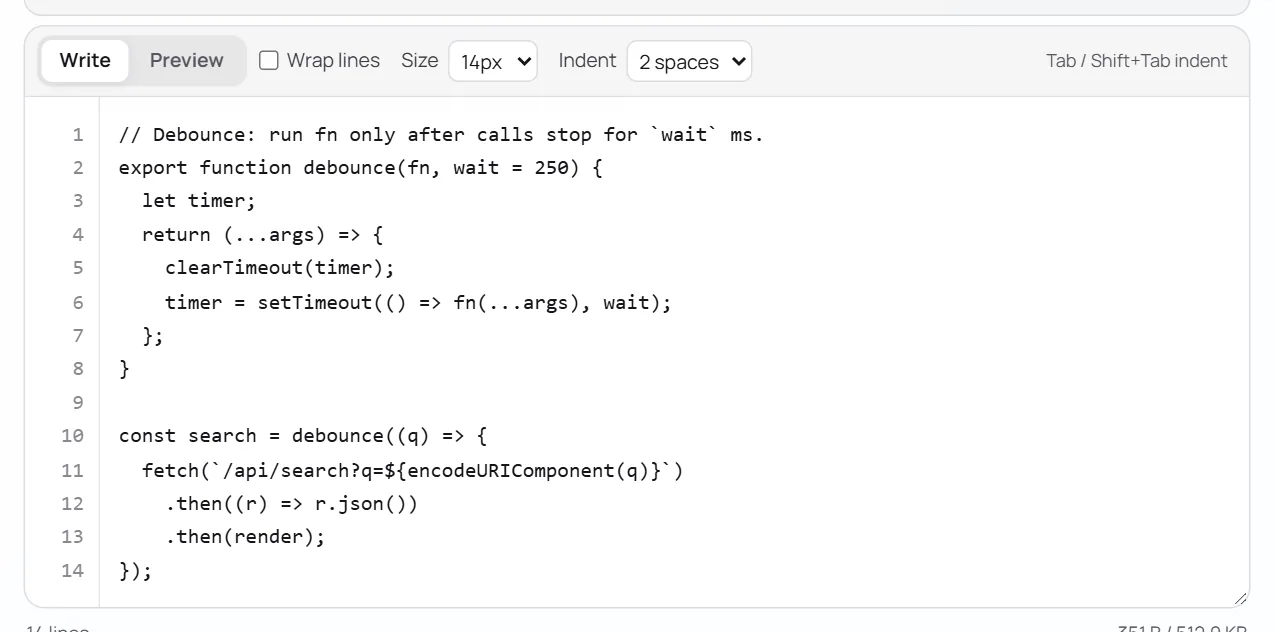
| Editor feature | What it does |
|---|---|
| Line numbers | A gutter that scrolls with your code |
| Tab / Shift+Tab | Indent or outdent the line — or every selected line |
| Smart Enter | New lines keep the indent, and add one after {, [, ( or : |
| Indent with | 2 spaces, 4 spaces or a real tab |
| Wrap lines | Turn long lines into wrapped lines while you write |
| Size | Editor text from 12 to 20 px |
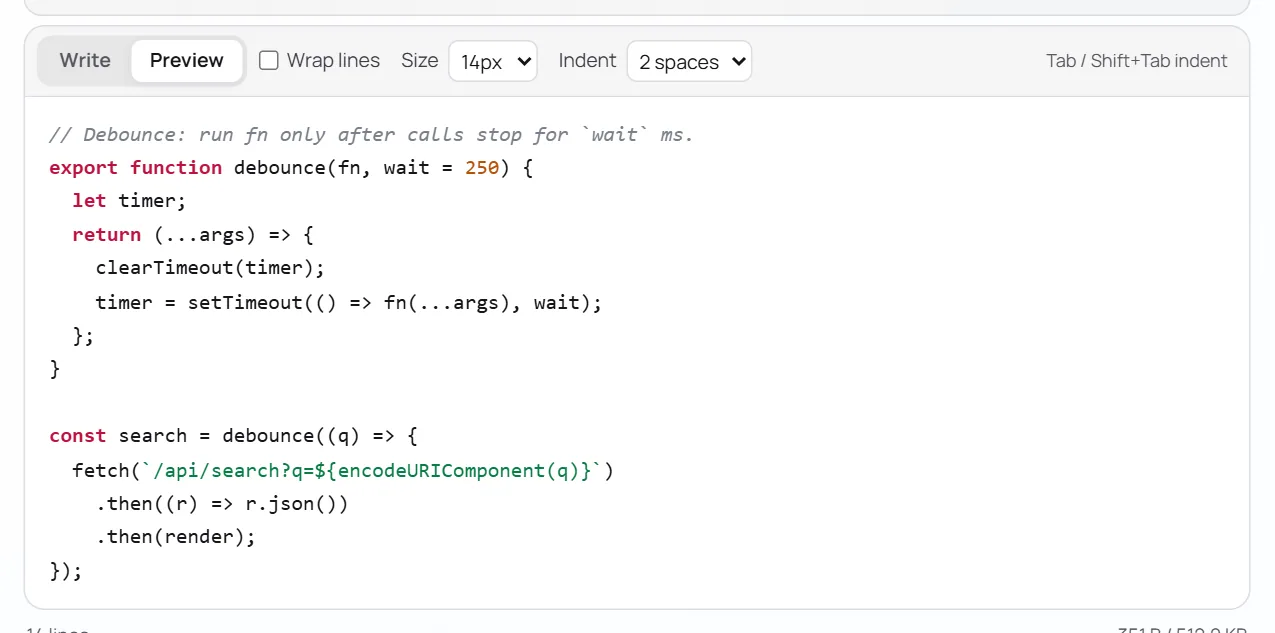
| Preview | See exactly how the highlighted paste will look before publishing |
Supported languages
| Web | Back end | Data & config | Shell & systems |
|---|---|---|---|
| JavaScript | Python | JSON | Bash / Shell |
| TypeScript | Go | YAML | C / C++ |
| HTML | Rust | SQL | |
| CSS | Java · PHP |
Writing documentation with code in it? Use Markdown instead and put code in fenced blocks — they're highlighted with the same engine. See the Markdown guide.
What readers get
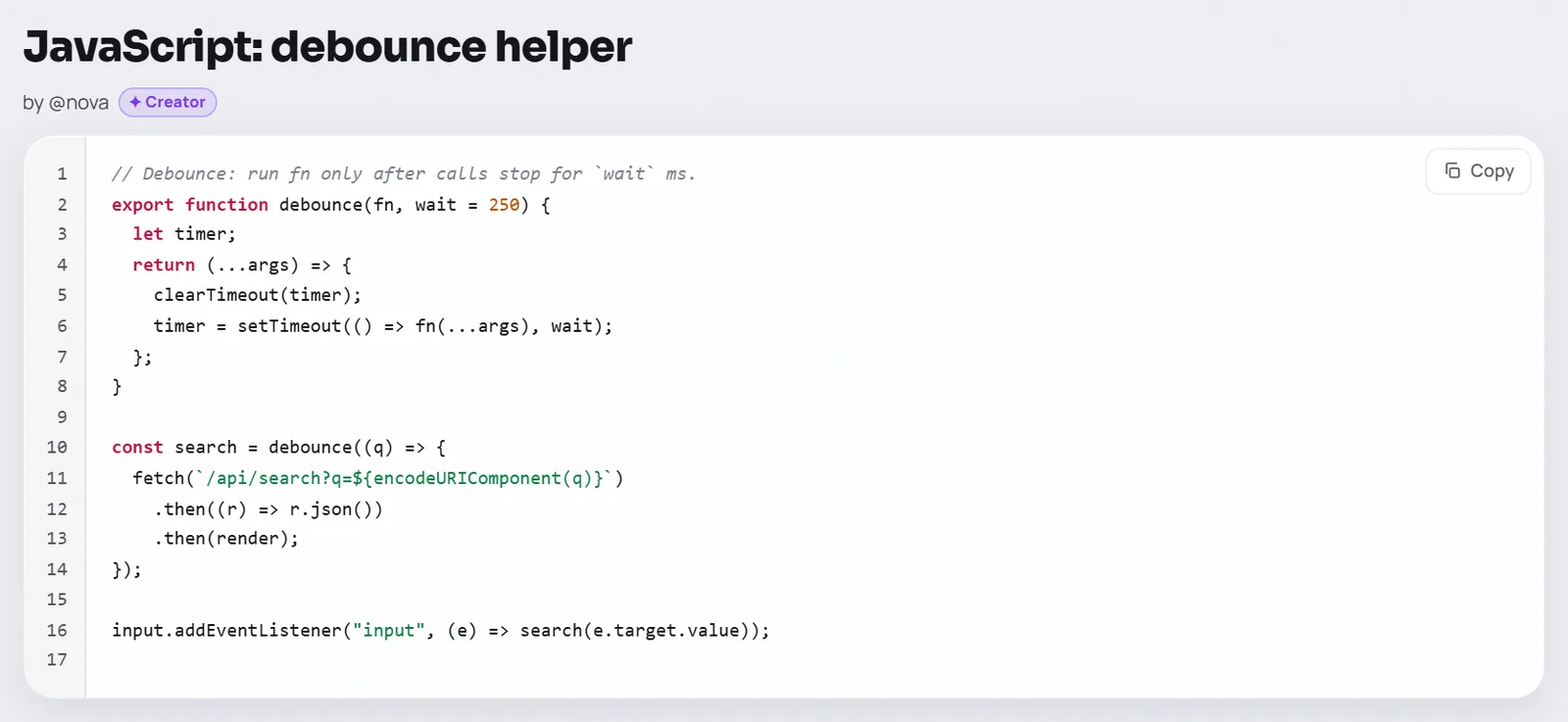
Keywords, strings, numbers and comments in distinct colours, tuned for light and dark themes.
Easy to point at a line in a review or a support chat.
One tap copies the whole paste, exactly as written.
URLs inside code and comments become links.
thpaste.com/raw/<id> serves the plain text — perfect for curl and scripts.
Add ?dl=1 to the raw link to download it as a file.
Fetch a paste from the command line
curl -s https://thpaste.com/raw/<id> -o notes.txt saves any paste's text to a file — handy on servers with no browser.
Sharing logs, configs and stack traces
| You're sharing… | Format | Tip |
|---|---|---|
| A stack trace or build log | Plain text or Bash | Plain text keeps it untouched; Bash adds light colouring |
| A config file | YAML, JSON or the file's language | Line numbers make "change line 12" easy |
| A database query | SQL | Keywords pop, so long queries are readable |
| A snippet with an explanation | Markdown | Text and fenced code blocks together |
| Secrets in a config | Any — plus a password and burn after reading | See private sharing |
Don't share secrets in the open
API keys, passwords and tokens in a public paste are visible to anyone with the link. Strip them out — or protect the paste with a password and make it burn after reading.
Automate it
Developers can create code pastes from scripts and CI with the API — for example, piping a test log straight into a new paste:
make test 2>&1 | jq -Rs '{title: "Test run", language: "bash", content: .}' | \
  curl -s -X POST https://thpaste.com/api/v1/pastes \
    -H "Authorization: Bearer tp_YOUR_KEY" \
    -H "Content-Type: application/json" -d @-
The full walkthrough: getting started with the Thpaste API.
FAQ
My language isn't listed — can I still share it?
Yes. Choose plain text: it keeps every character and space exactly, just without colours.
Are tabs preserved?
Yes. Pastes store exactly what you typed, tabs included.
Can I edit a code paste after publishing?
With a free account, yes — the title and code are editable and the link stays the same.


